
Plan the shoot
The signed proposal opens the project with the client, the contract value and the payment schedule already in it. Plan the shots, book the crew and send a call sheet everyone confirms.
One project holds the job
Every project carries its plan, its shoot days, its cuts and its money. Move it from phase to phase on a board, and see what is next for it at the top.
- A board by phase, a list and a timeline, with a rush flag
- Tasks, My Work and task templates
- Project templates and Duplicate for the jobs you run again

Shot lists and storyboards
Write the shot list with the scene, the type, the location and the cast, and draw the storyboard beside it. The crew get the version they need.
- Brief, documents, shot list, storyboard, locations, cast and gear lists
- Import a script from Final Draft, Fountain or a PDF and tag the breakdown
- Stripboard and day out of days, pushed to the shoot schedule




Moodboards your client can react to
Collect the look in one board, present it, and send your client a link where they can react and comment on each card.
- Notes, pictures, swatches, links, tables, drawings and diagrams on one canvas
- Present it, or download it as a lookbook PDF
- Client feedback and approval by link
- Starter boards and your own templates



Call sheets they confirm
Send each person the sheet they need, with the weather, the sunrise and sunset, parking and the nearest hospital. They confirm with one tap, and you see who has not.
- One-tap confirm, and who has seen it
- A new send only to the people whose sheet changed
- Live weather and sunset for the location
- Links that close a set number of days after the shoot

Book the crew properly
Hold a date, book it, and send a deal memo you have read before it goes. Your crew get a free account for their gigs, their call sheets and their invoices to you.
- Crew roster with roles, rates and availability
- Holds, bookings and conflict flags
- Deal memos you preview before they are sent
- Crew timecards with overtime, carried onto their invoice
- W-9 collection for US crew
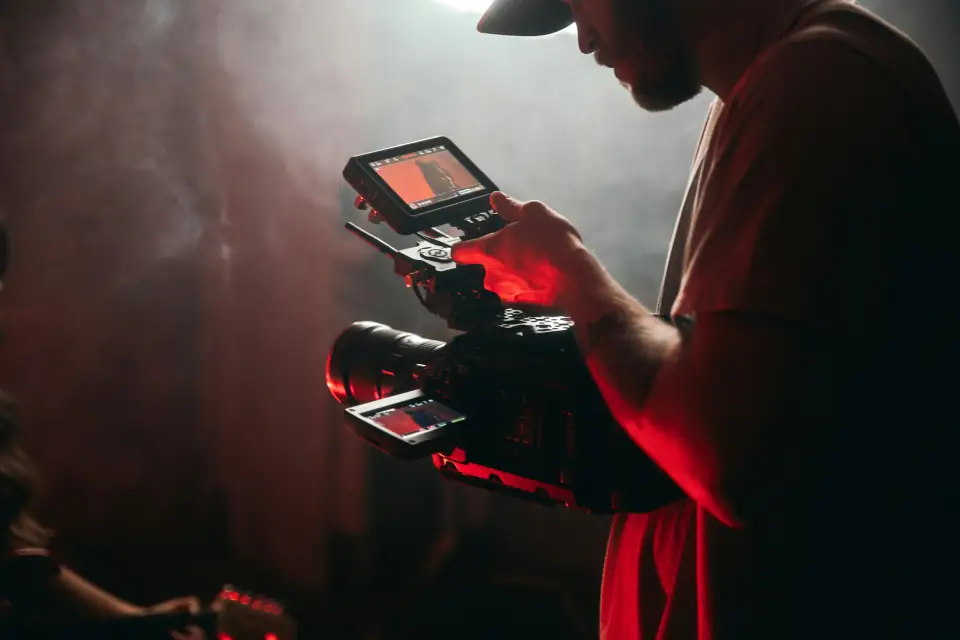
The day, minute by minute
Lay out the shoot day once. The schedule feeds the call sheet, and the shoot-day view keeps it in your pocket on set.
- Shoot schedule that feeds the call sheet
- Shoot-day view with a short brief for the day
- Calendar of shoots, meetings and deadlines, with a feed for your own calendar app
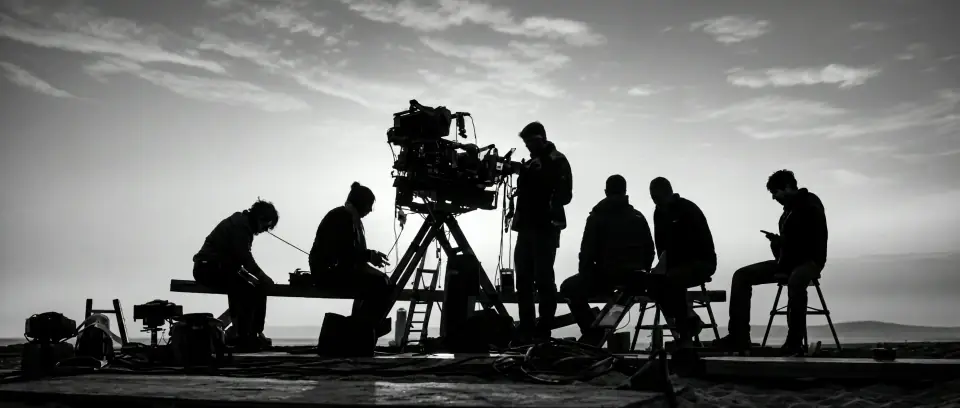
Releases signed on set
Talent, location and minor releases signed by link or on an iPad on set, all in one register for the edit and for insurance.
- Release templates merged with the project and your company
- Sign by link or on an iPad
- A releases register you can export
Everything in Plan the shoot
The full list
- Projects board, list and timeline
- Tasks, My Work and templates
- Brief and documents
- Shot lists and storyboards
- Locations, cast and gear lists
- Script import and breakdown
- Stripboard and day out of days
- Moodboards with client feedback
- Crew roster, holds and bookings
- Deal memos
- Crew timecards
- Free crew accounts
- Call sheets with weather and confirm
- Shoot-day view
- Releases by link or iPad
- Calendar and calendar feed
- Vendors, rental houses and purchase orders
- Content calendar
- Music license register
- Insurance policies with expiry alerts
Plan the shoot
Guides and templates
Free templates and tools
- Video production budget template
- Production schedule template
- Shot list template
- Call sheet template
- Free call sheet maker
- Crew deal memo template
- Talent release form template
- Location release form template
- Video shoot equipment checklist
- Film crew day rate calculator
- Golden hour calculator
- Video storage calculator
Guides, help and comparisons
- What is a call sheet?
- Call sheet software
- A video production workflow that scales past you
- How to build a video production budget
- Day out of days and the production schedule, explained
- Video gear inventory and check-out for a small studio
- Help: build a shot list and storyboard
- Help: make a moodboard and share it
- Help: book, check out and return gear
Questions people ask
Do my crew need to pay for Cutvey?
No. Crew get a free account for their gigs, call sheets and invoices to you, and they never count as people on your plan.
Does the call sheet work on a phone?
Yes. Each person opens their own sheet from a link, sees their call time first and confirms with one tap. No app or account is needed.
Can I bring in a script?
Yes. Import it from Final Draft, Fountain or a PDF, tag the breakdown, and build the stripboard and the day out of days from it.
Plan your next shoot here.
Build the shot list and the schedule, book the crew and send the call sheet. 14 days free, no card needed.